ND9
Utilisateur
-
Joined
-
Last visited
Everything posted by ND9
-
 Bienvenue ^^'
 -
Je serait présent
-
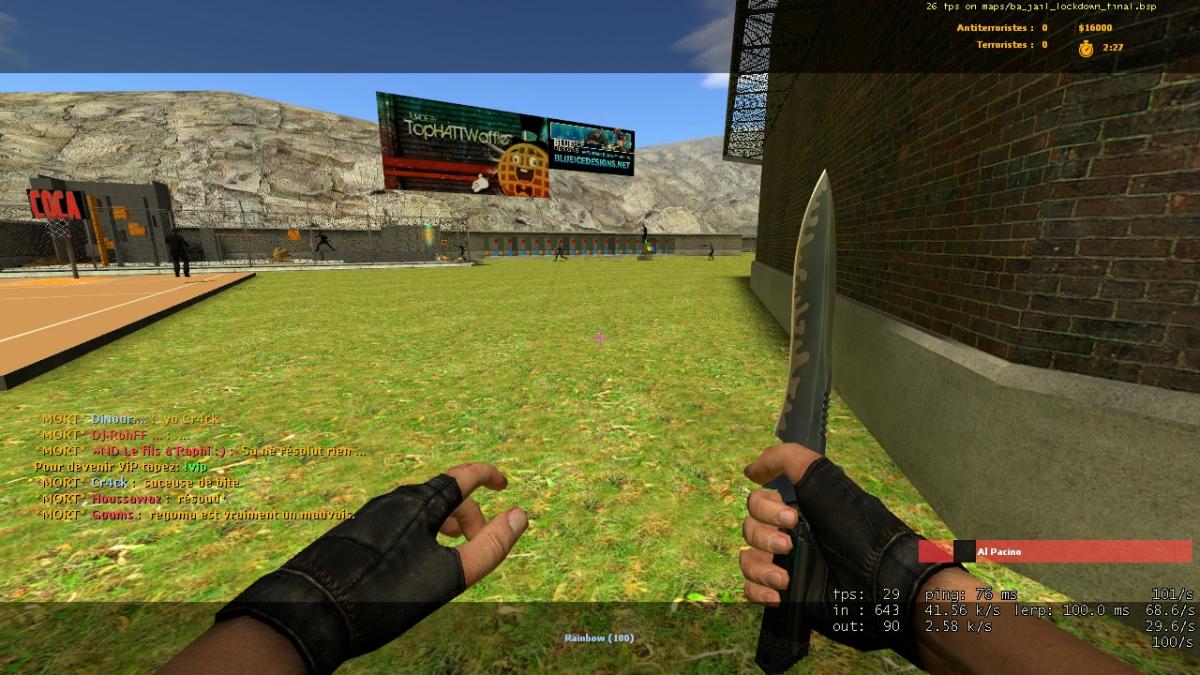
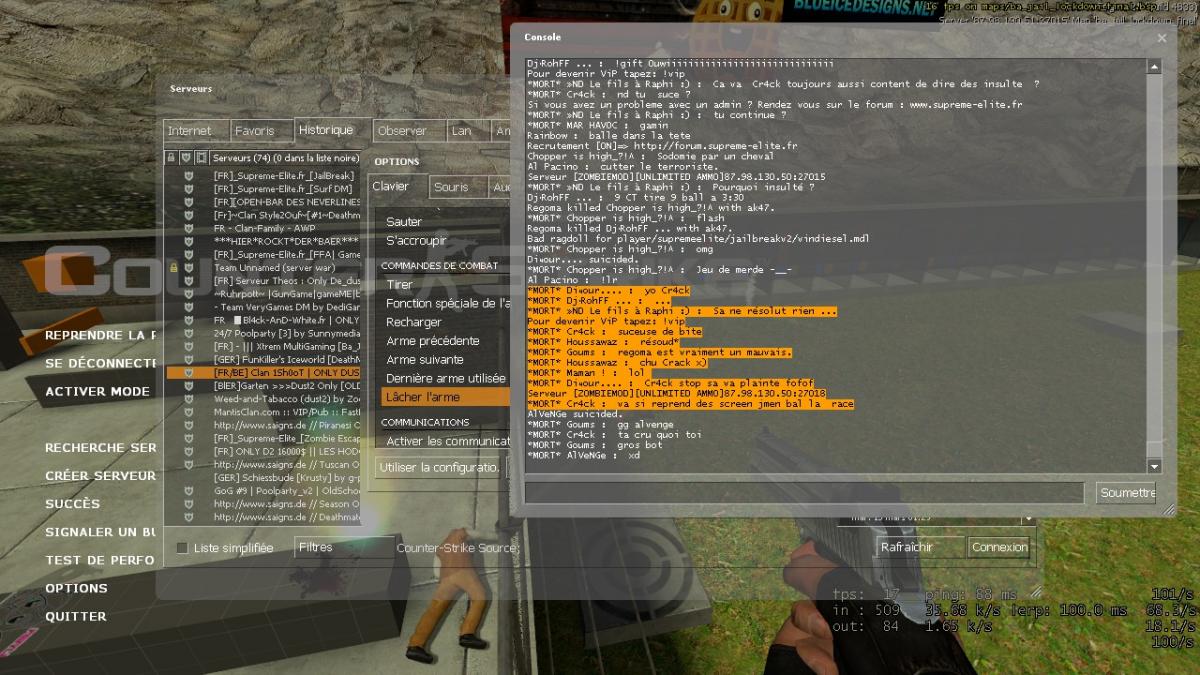
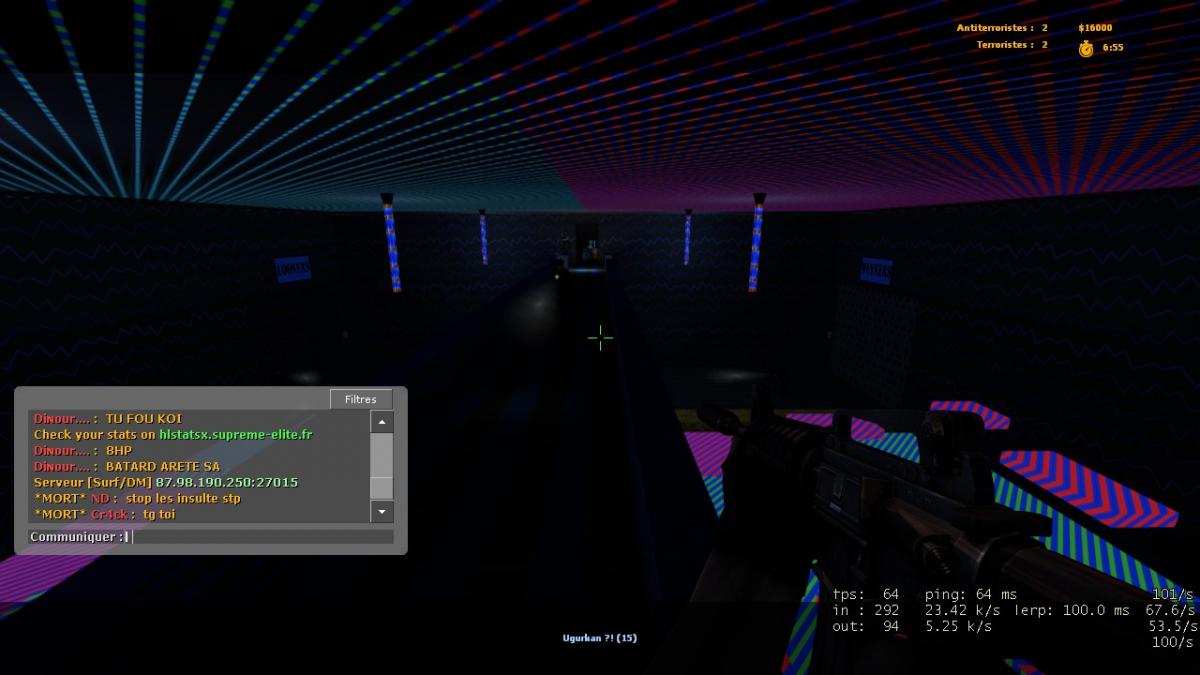
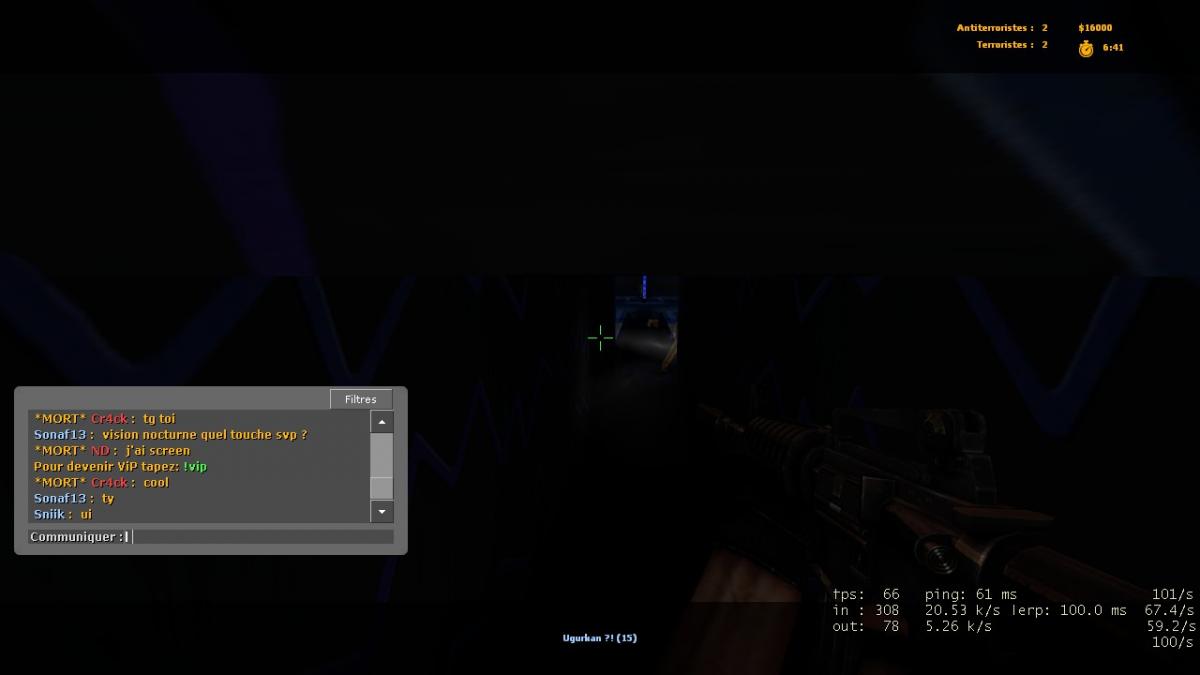
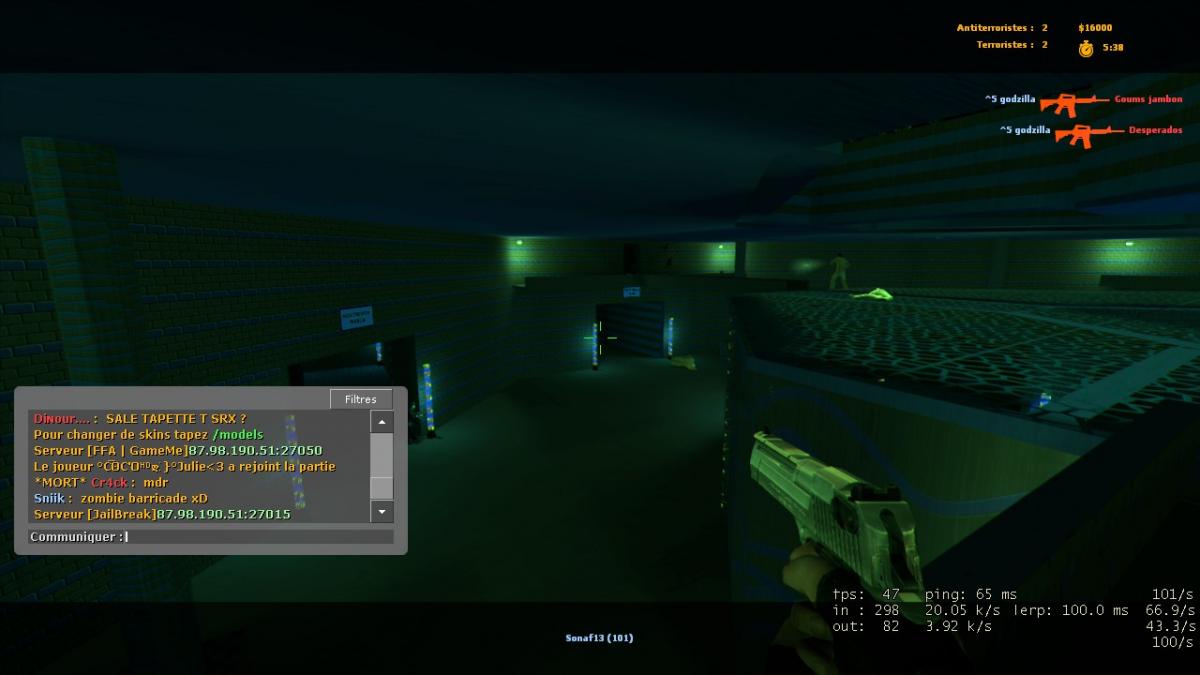
Re Bonjour, je revient posée plainte contre Cr4ck après ces insulte , il a recommencé il a dit des insulte plus grave que avant et il ma insulté les insulte ce sont déroulée a 23h11 : Steam ID : # 1068 "Cr4ck" STEAM_0:1:48861104 07:11 99 0 active Les Screen : Merci , Cordialement, ND
-
-
LOL ! ? : http://ban.supreme-elite.fr/index.php?p=banlist&searchText=Cr4ck&Submit=
-
16h54 je crois
-
Heu ba 10 min avant que j'ai poster
-
-
Salut je vient déposer un BAN contre Cr4ck et Dinour... pour insulte ( je ne peut pas poster dans la source ban BUG) je leurs est dit de ce calmer mais sa à déraper J'ai des Preuve , Bien sûr je fait sa pour la communauté : Leurs Steam ID : -Cr4ck : # 593 "Cr4ck" STEAM_0:1:48861104 55:00 87 0 active Dinour... : # 627 "Diɴour...." STEAM_0:0:17443372 15:44 56 0 active Screen :