Jump to content
View in the app

A better way to browse. Learn more.

Forum Supreme-Elite

A full-screen app on your home screen with push notifications, badges and more.

To install this app on iOS and iPadOS
  1. Tap the Share icon in Safari
  2. Scroll the menu and tap Add to Home Screen.
  3. Tap Add in the top-right corner.
To install this app on Android
  1. Tap the 3-dot menu (⋮) in the top-right corner of the browser.
  2. Tap Add to Home screen or Install app.
  3. Confirm by tapping Install.

Cr4Sh34

Utilisateur
  • Joined

  • Last visited

Everything posted by Cr4Sh34

  1. Merci Pour la bienvenue
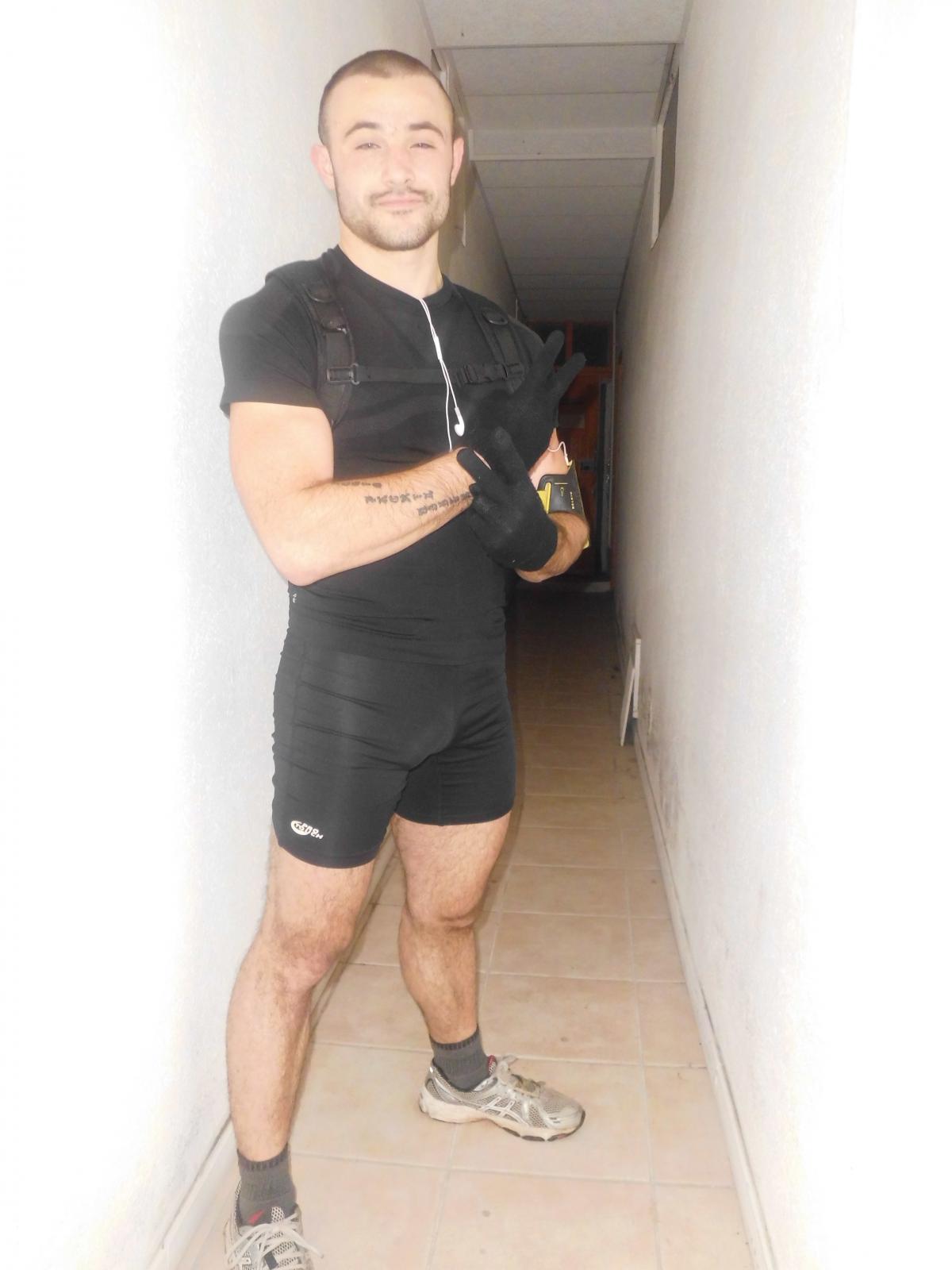
  2. Salut le monde, mon pseudo sur css c'est Cr4Sh34 je m'appelle Remi j'ai 25 ans je suis militaire depuis 4ans et demi et j'habite sur Montpellier dans le 34. Je suis aussi une Grand Fou de Sport ( Velo, Course a Pied Escalade ect ..) Je joue le plus souvent sur jail le soir ça detent Au plaisir de Joué avec vous . je laisse quelque photo


Configure browser push notifications

Chrome (Android)
  1. Tap the lock icon next to the address bar.
  2. Tap Permissions → Notifications.
  3. Adjust your preference.
Chrome (Desktop)
  1. Click the padlock icon in the address bar.
  2. Select Site settings.
  3. Find Notifications and adjust your preference.