romainf
Accustomed
-
Joined
-
Last visited
Everything posted by romainf
-
 Moi j'aurai rempli cette cage de bidons explosif, juste pour voir combien je pourrai en faire rentrer dedans ! Pis après le serveur aurai planté... Mais ça tu t'en serai douté
 -
Vous auriez été inscrits, vous auriez vu qu'une mise à jour a eu lieu cette nuit à 4h pour CSS et TF2 : https://groups.google.com/group/css-update/browse_thread/thread/a956ea61ad8edf91?hl=fr https://groups.google.com/group/tf2-update/browse_thread/thread/2c56d6cc5a177a43?hl=fr
-
-
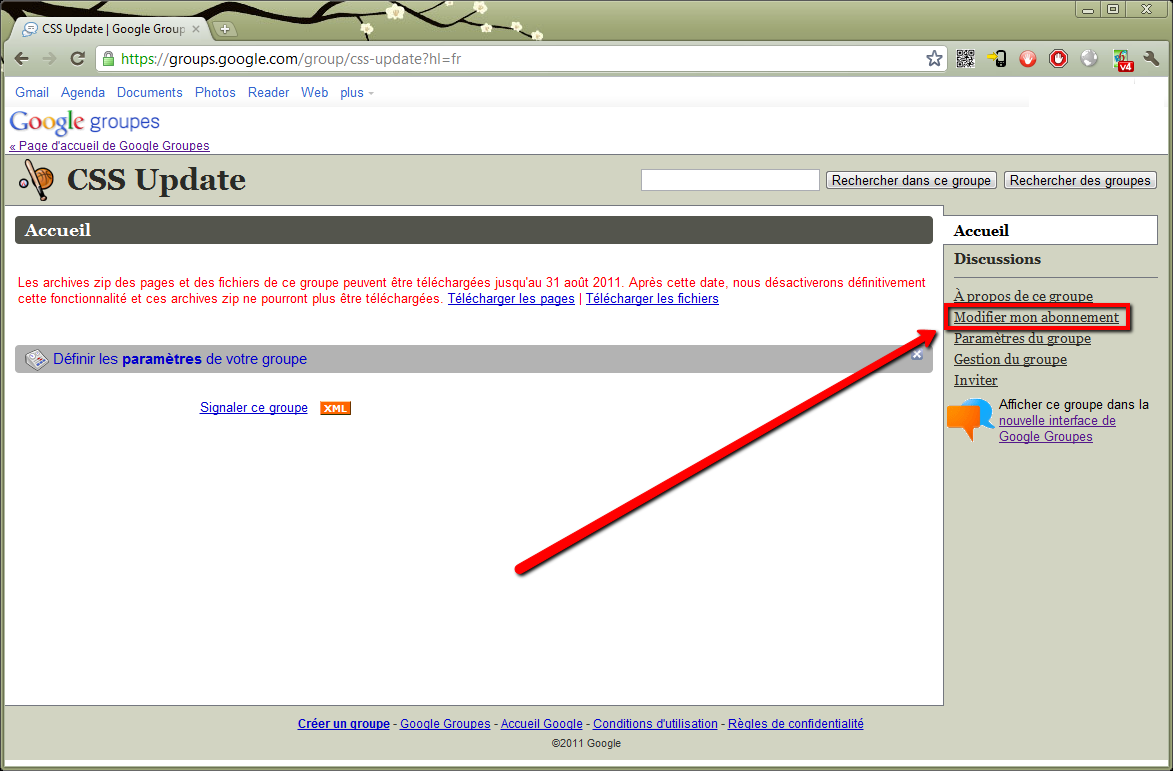
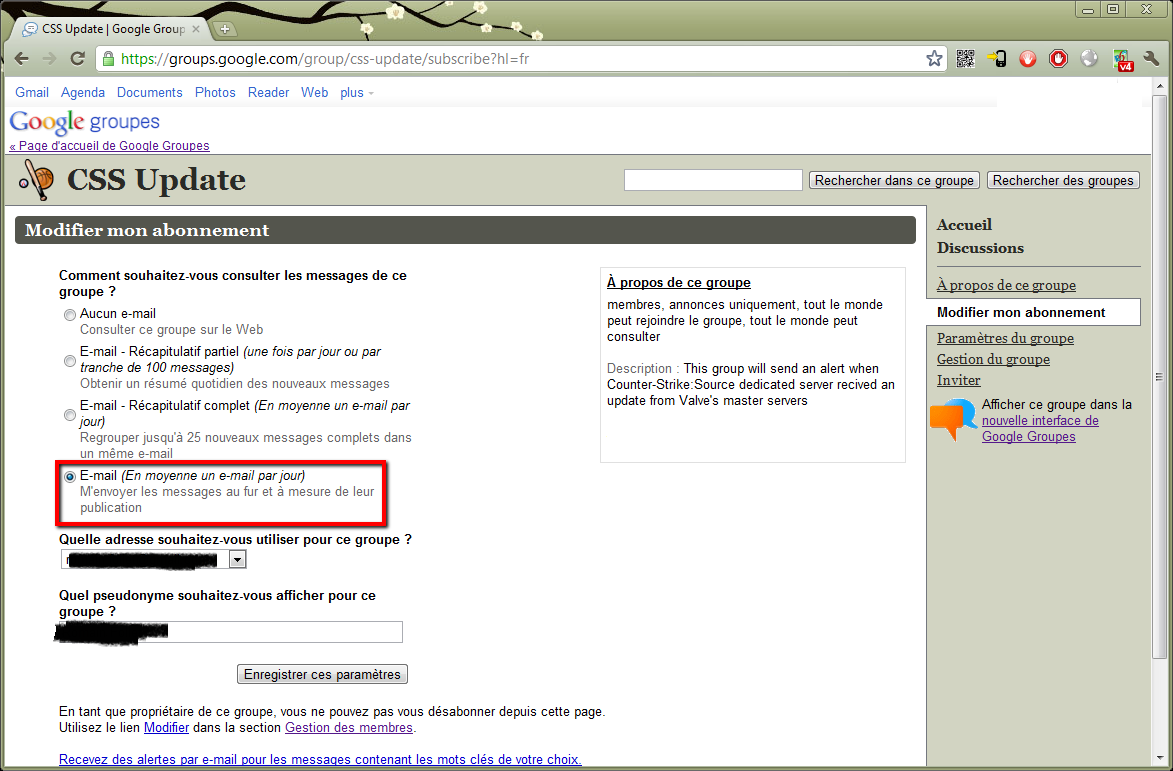
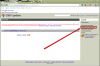
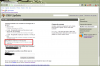
Voici deux groupes Google, ouvert au public, sur lesquels seront publié les mises à jours de CSS Dedicated server et de TF2 Dedicated server. La publication des alertes est automatique, vous serez donc avertis des mises à jour immédiatement. Groups CSS update : https://groups.google.com/group/css-update?hl=fr Groupe TF2 update: https://groups.google.com/group/tf2-update?hl=fr Une fois abonnés, vérifiez bien dans vos options d'abonnement que vous recevrez un email de notification (dernière option), et pas un récapitulatif journalier... Voir capture.
-
Des fois oui, des fois non. Ca dépends de la mise à jour de Valve, si la version courante de sourcemod reste compatible ou non. Une fois sur quatre ça ne marche plus...
-
http://wiki.alliedmods.net/Gamedata_Updating_(SourceMod) Cette directive ne concerne que la mise à jour des GameDate, c'est une directive ajoutée récemment, elle ne met pas à jour sourceMod, juste le répertoire GameData. La mise à jour sourcemod est manuel
-
No rage v2 Mais sous Mac cette fois
-
Non, SourcePawn est un langage à part, il y a un peu de C, mais ça reste light. Eclipse
-
Base de connaissances : http://wiki.alliedmods.net/Introduction_to_SourcePawn http://wiki.alliedmods.net/Counter-Strike:_Source_Events#player_death http://doc.sourcemod.net/api/index.php?fastload=show&id=682& http://doc.sourcemod.net/api/index.php?fastload=show&id=115& http://doc.sourcemod.net/api/index.php?fastload=show&id=117& http://doc.sourcemod.net/api/index.php?fastload=show&id=756& https://forums.alliedmods.net/showthread.php?t=85656
-
http://www.xbourse.fr/wp-content/uploads/2011/05/bender.jpg
-
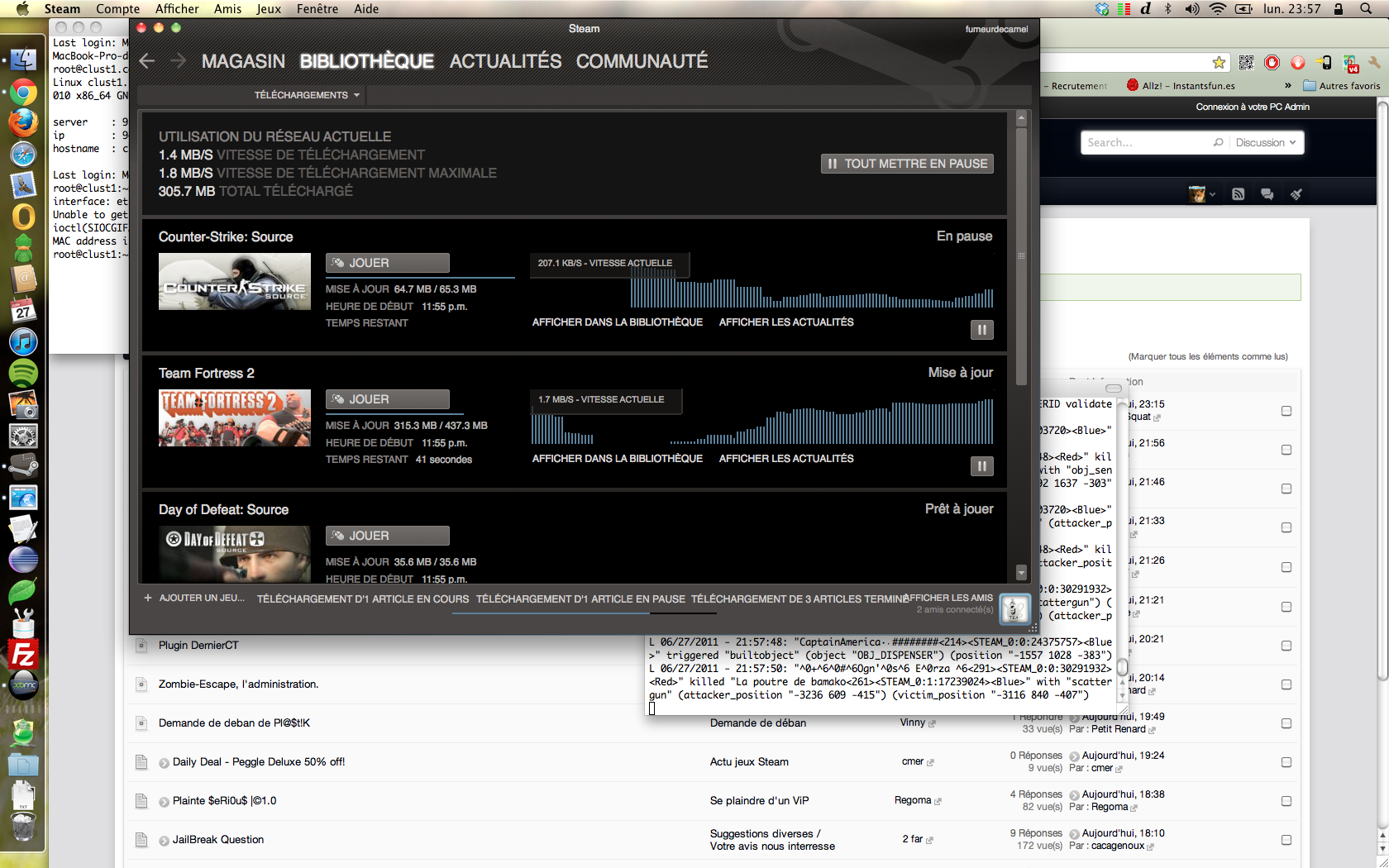
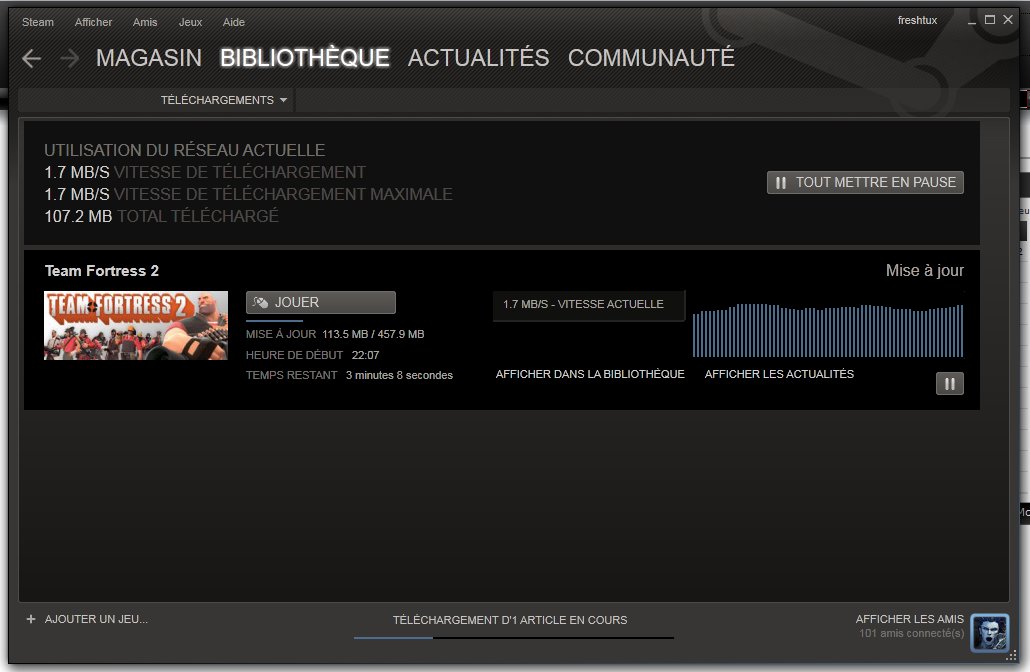
France, mais j'ai pas dl le jeu, je l'avais déjà , j'ai juste dl une mise à jour de 450Mo.
-
No rage
-
Y'a plus d'avantages pour ceux qui l'ont achetés (boite/retail ou steam) -> http://www.teamfortress.com/freetoplay/faq.php

-
Les candidatures postées avant cette annonce, seront traitées, vérifiées, et votées prochainement.
-
Tu as essayé ce plugin: http://forums.alliedmods.net/showthread.php?p=1054201 ?
-
http://www.youtube.com/watch?v=vs2l38DoqsQ
-
http://www.youtube.com/watch?v=JBzuLqp33sM
-
http://www.youtube.com/watch?v=gq7MvLgxSB4
-
http://www.youtube.com/watch?v=1dF2ZLq7oBk&feature=youtu.be
-
http://www.youtube.com/watch?v=f9iIgQN5uZE
-
http://www.youtube.com/watch?v=FavUpD_IjVY
-
http://www.youtube.com/watch?v=-0Xa4bHcJu8
-
http://www.youtube.com/watch?v=WQO-aOdJLiw
-
Portal1 n'est pas multi joueur...
-
Demande les accès à la base de données (databases) à ton hébergeur (nitroserv).