salamander
Utilisateur
-
Joined
-
Last visited
Everything posted by salamander
-
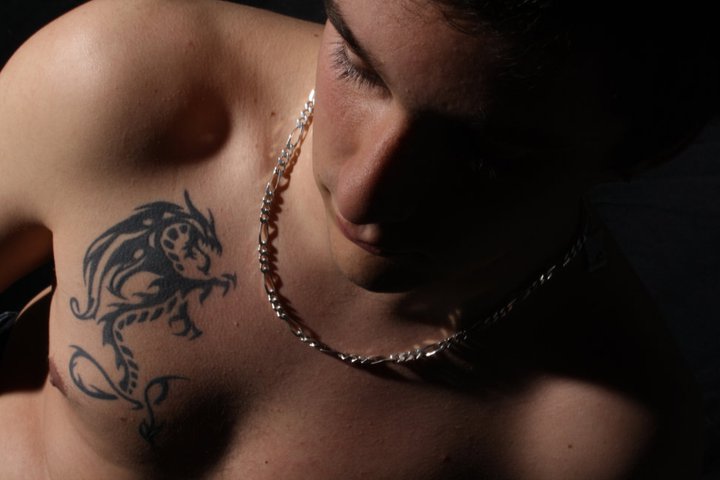
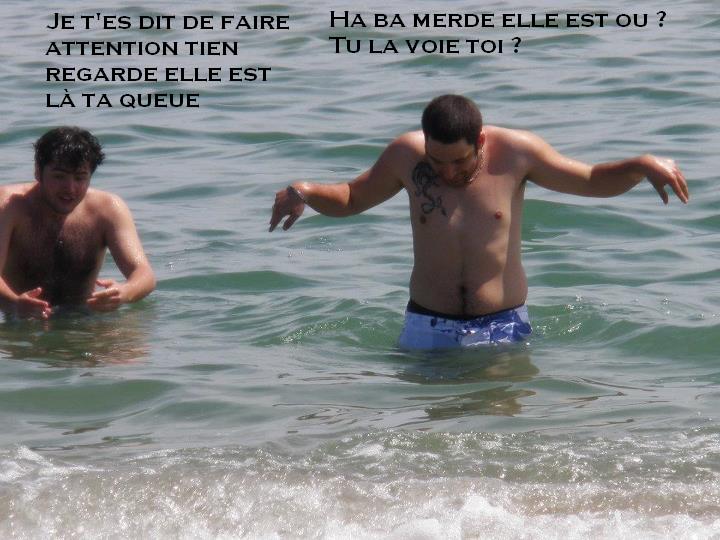
 pourquoi je méttre pas une photo de moi aussi ^^ bon ba voila


-
non c'est bon sa remarche j'ai du tout désinstaller steam et counter pour que sa remarche mais merci ^merci a toi tiibo
-
bonjour a tous j'ai un probleme j'ai jouer il y a pas longtemps a zm unlimited ammo mis maintenant je ne peut plus rentrée sur le serveur cars le serveur ne repond pas et j'ai beau rafrechir la page sa ne fait pas plus quelqu'un peut m'aidai pliz
-
bishop fait moi l'amour enfin te voila lol F.G zombie ^^
-
F.G zombie en force
-
merci a tous oué tiboo je suis la
-
bienvenue mon petit canon
-
me voila pensé se que vous voulait moi je suis ni beau ni moche


-
je c petit renard je suis toujours en retard pour tout je suis une loche XD non je deconne merci a toi mon petit renard ^^
-
encore sava je suis née avant ce drame mais merci au moins on n'oublie pas mon anniv
-
merci j'ai mit du temps a vouloir m'inscrire sur ce forum
-
Bonjour je m'appel mike j'ai 22 ans le 11 septembre, parisien de naissance j'habite aujourd'hui a nîmes joue principalement a css zmunlimit ammo dans la team F.G zombie. En ce moment je fait un let's play sur "the legend of zelda oracle of ages" sion a part sa rien de plus donc voila P.S : Manger des pommes ^^
-
Moi perso je cherché un zm normal mais fr, j'ai vue le unlimit ammo des S.E j'ai bien aimait et depuis je suis résté et j'y suis cassy tout les jours