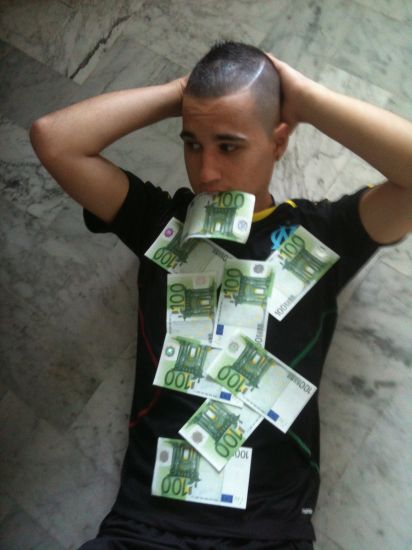
harissa06200
Utilisateur
-
Joined
-
Last visited
Everything posted by harissa06200
-
 un cerveau
 -
Moi aussi..Pgm du deathrun
-
-
bienvenue ( mêmê si t'es un parisien )
-
tu habites ou a niice ?
-
Plus aucune après cette mise a jour
-
Quel sont les match pour le week end prochain ?
-
Le pauvre
-
:yes:
laisse moi rire
si tu savais d'ou ça vient :pirate: :pirate: :pirate:
Notre team : Harissa ça pique Oxygène Core Aless Paresseux
Si y a de la place je suis présent
bienvenue blaze
Bonjour, voila j'ai une idée es qu'il serait possible de faire un vote pour un 2 ème chef après la mort du chef principal ? En gros pour reprendre les ordres..
merci les gars
yo les gens, voila je fais ma presentation, je m'apelle Florent, j'ai 19 ans, j'habite sur la cote d'azur ( Nice ) j'aime le foot ( Allez l'om ), css et les filles =D . Je suis souvent sur le jailbreak <3 donc voila que vous dire de plus a part bon jeux :thumbsup:
 c'est facile on utilise shazame :whistling:
je serais la
il y a beaucoup mieu niveau graphisme..
c'est facile on utilise shazame :whistling:
je serais la
il y a beaucoup mieu niveau graphisme..