Jump to content
View in the app

A better way to browse. Learn more.

Forum Supreme-Elite

A full-screen app on your home screen with push notifications, badges and more.

To install this app on iOS and iPadOS
  1. Tap the Share icon in Safari
  2. Scroll the menu and tap Add to Home Screen.
  3. Tap Add in the top-right corner.
To install this app on Android
  1. Tap the 3-dot menu (⋮) in the top-right corner of the browser.
  2. Tap Add to Home screen or Install app.
  3. Confirm by tapping Install.

yoda

Utilisateur
  • Joined

  • Last visited

  1. yoda replied to yoda's topic in Autres
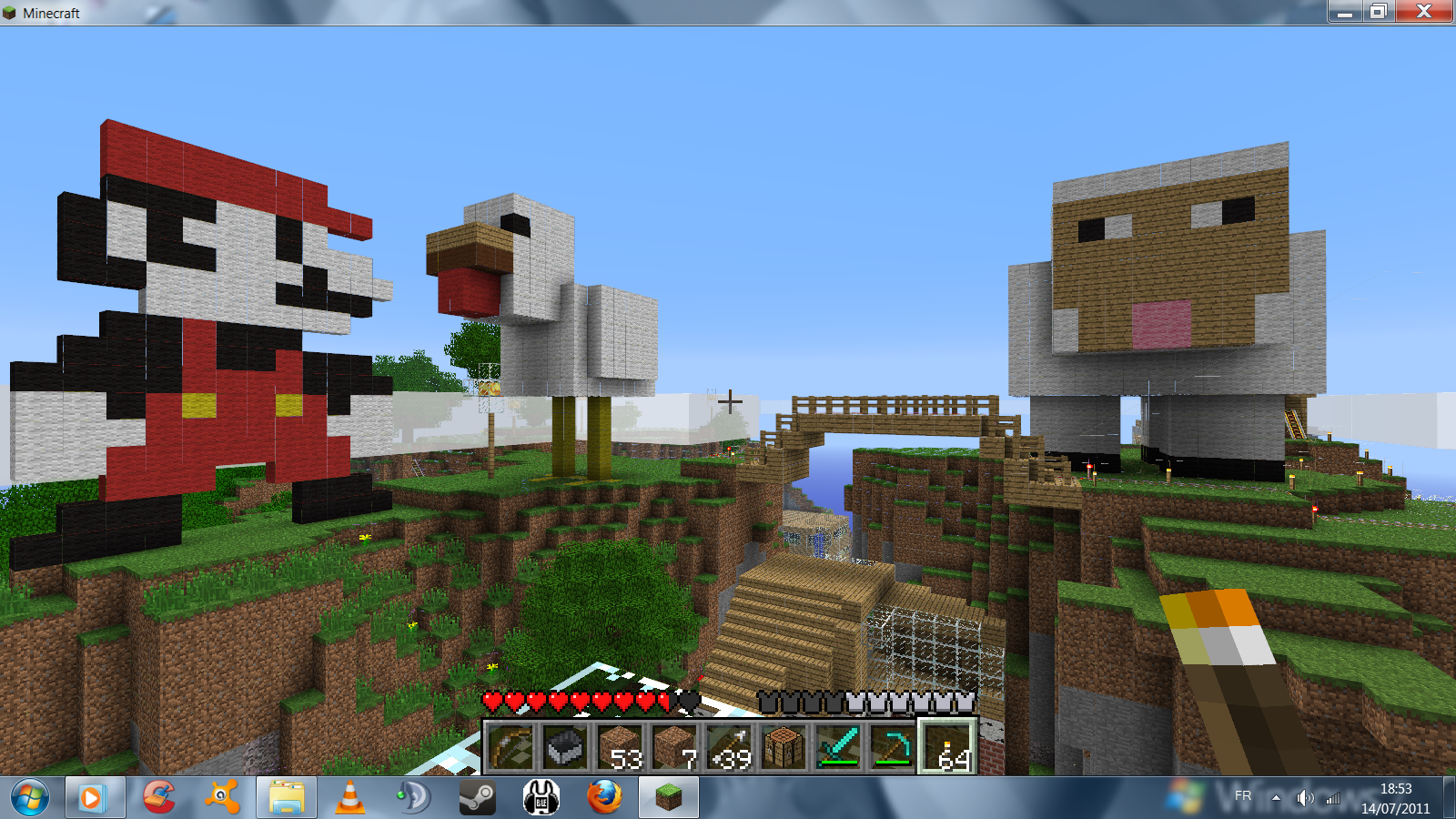
    Mario une poule et un mouton.
  2. yoda replied to yoda's topic in Autres
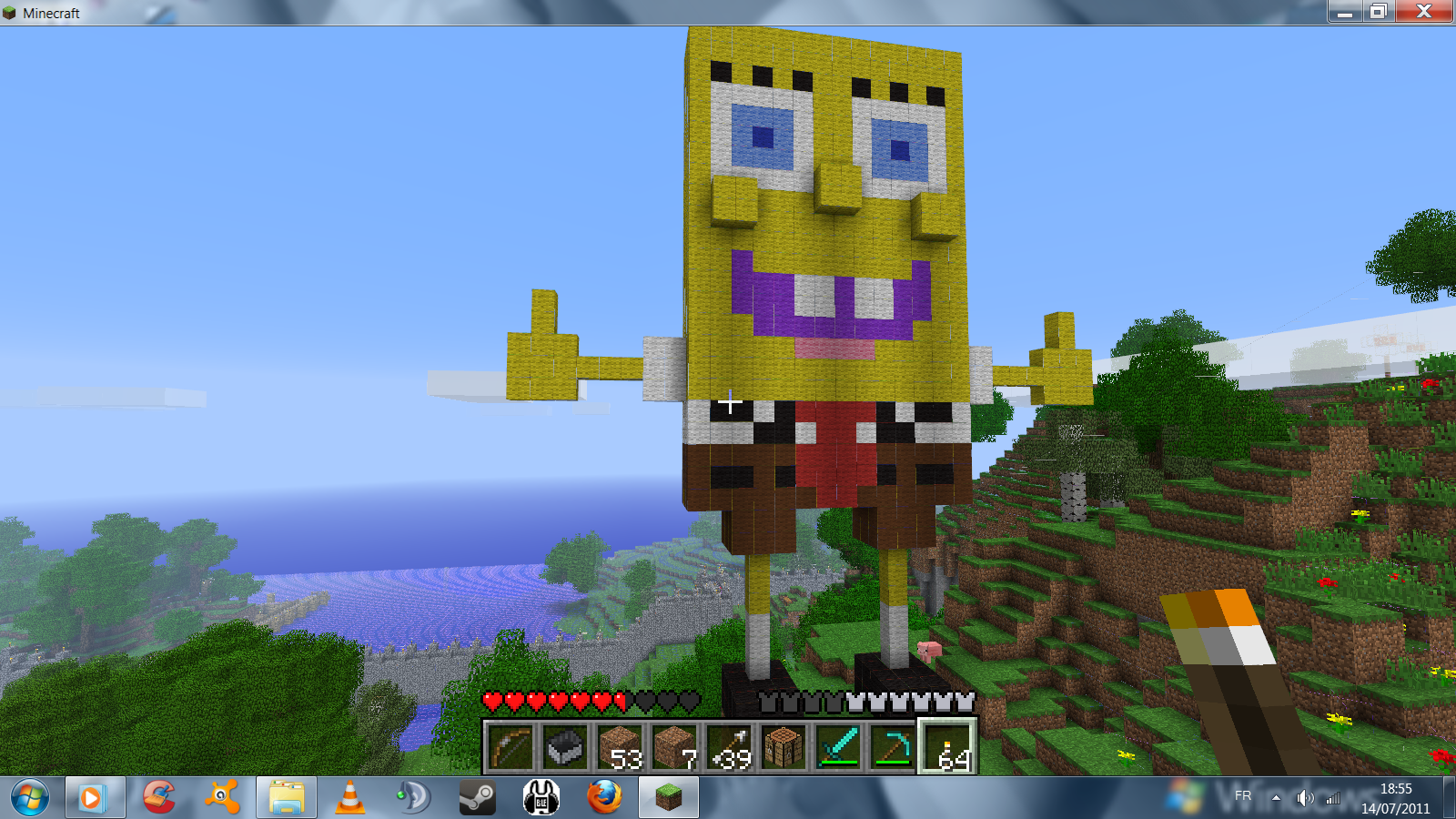
    bob
  3. yoda replied to yoda's topic in Autres
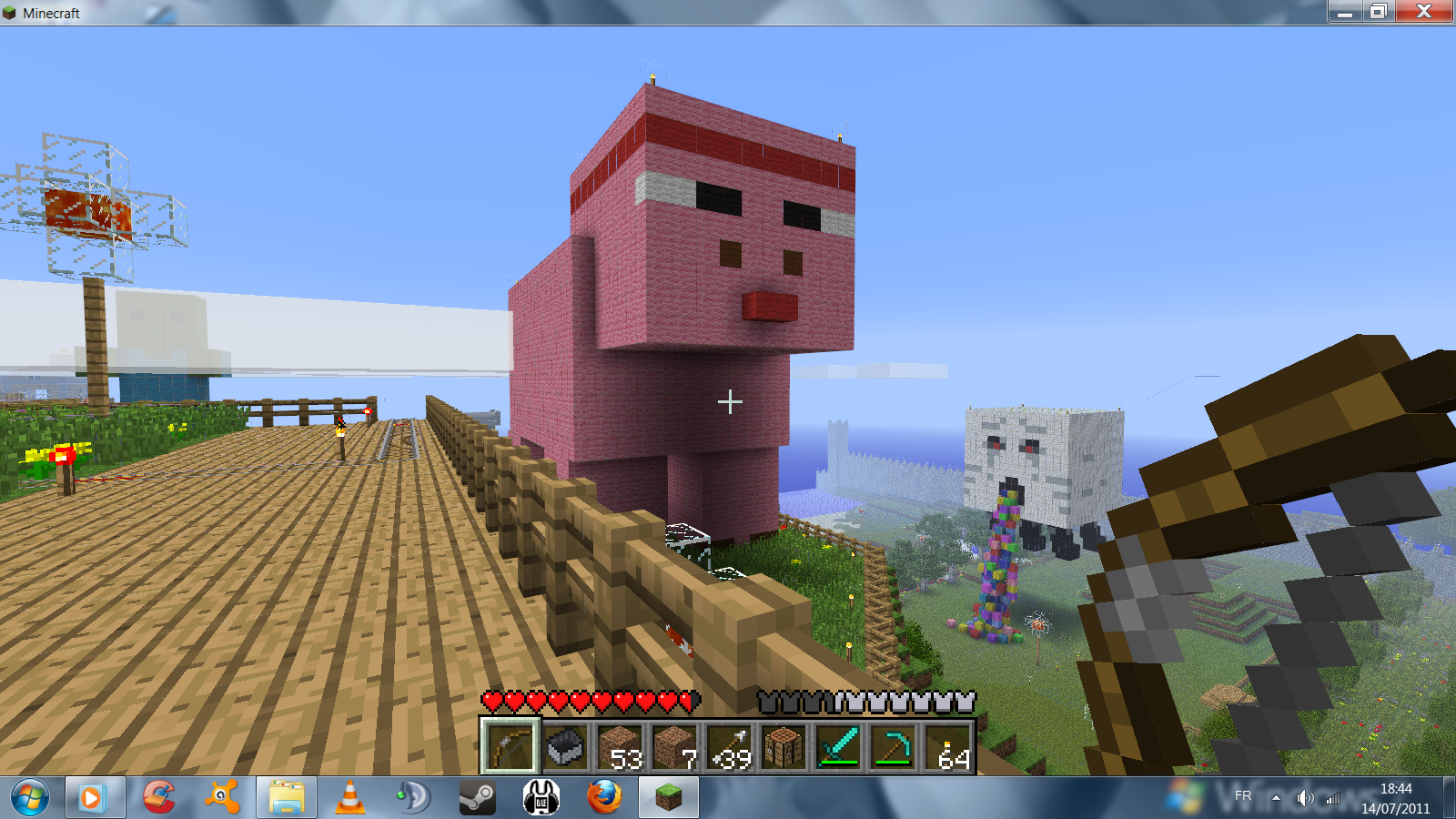
    Cochon ninja qui tire la langue ^^
  4. yoda posted a topic in Autres
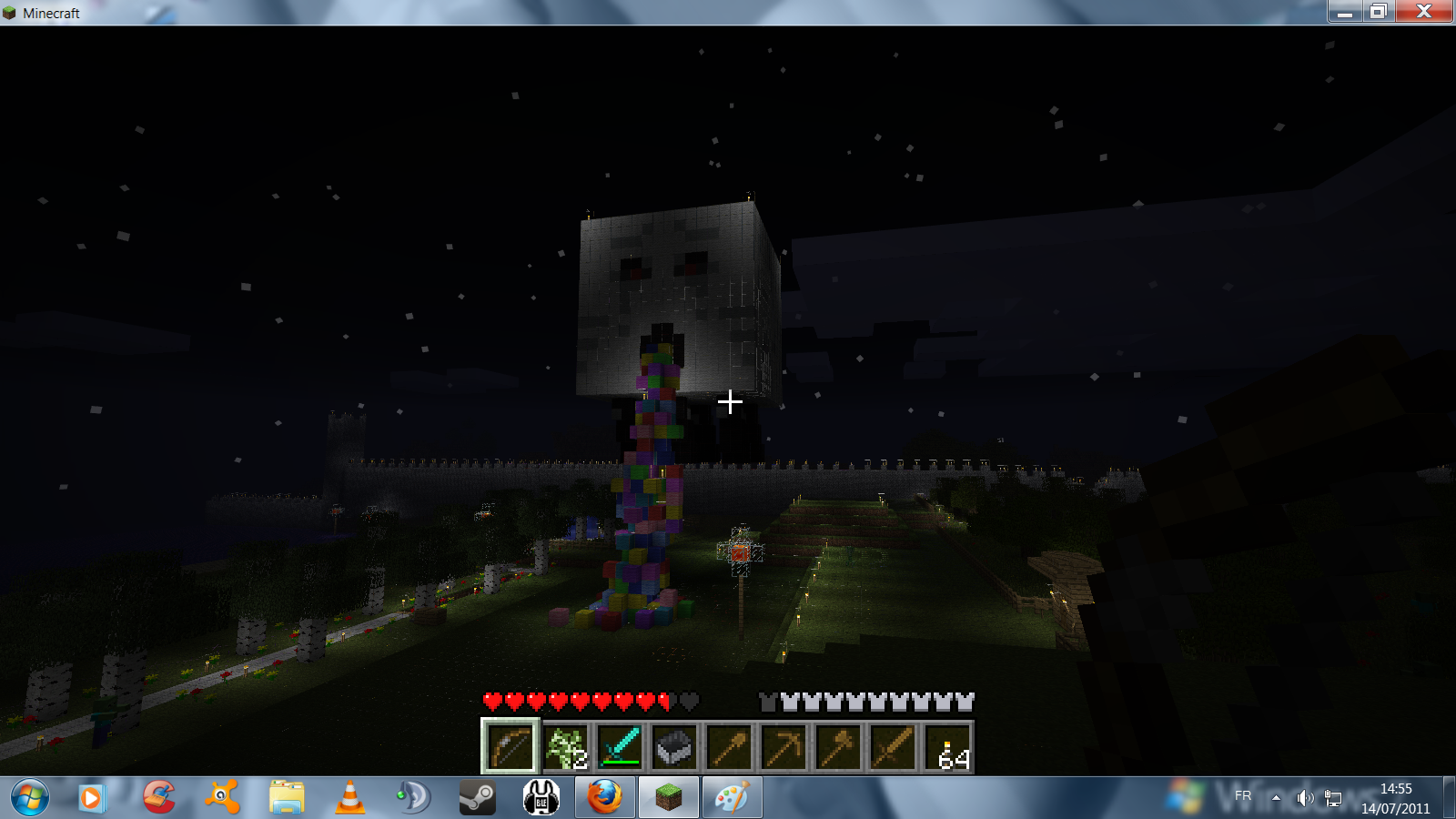
    Idée prise dans la rubrique projet de planet minecraft. Ce trouve a eldeiwess.
  5. yoda replied to Vieux_sage's topic in Autres
    C'est good !!!
  6. yoda replied to Vieux_sage's topic in Autres
    Wé dsl nous allons te réintégré je ne suis pas sure de pouvoir le faire je crois que c'est tehtop qui a les permission! quelqu’un peut me donner la phrase svp ?
  7. Salut je m'appel axel j'ai 21ans j'habite dans le 92 je joue aussi a css et j'aime glander devant mon pc.

Configure browser push notifications

Chrome (Android)
  1. Tap the lock icon next to the address bar.
  2. Tap Permissions → Notifications.
  3. Adjust your preference.
Chrome (Desktop)
  1. Click the padlock icon in the address bar.
  2. Select Site settings.
  3. Find Notifications and adjust your preference.