Jump to content
View in the app

A better way to browse. Learn more.

Forum Supreme-Elite

A full-screen app on your home screen with push notifications, badges and more.

To install this app on iOS and iPadOS
  1. Tap the Share icon in Safari
  2. Scroll the menu and tap Add to Home Screen.
  3. Tap Add in the top-right corner.
To install this app on Android
  1. Tap the 3-dot menu (⋮) in the top-right corner of the browser.
  2. Tap Add to Home screen or Install app.
  3. Confirm by tapping Install.

patrik68310

Accustomed
  • Joined

  • Last visited

Everything posted by patrik68310

  1. Normal, c'est mon papa ! :DD
  2. Oxygène; je t'aime ;$ <3 <3.
  3. Bon allez je me lance
  4. patrik68310 replied to Raphi's topic in Autres
    D'accord avec toi Raphi que j'aime de toute ma vie ! +1
  5. http://www.casimages.com/img.php?i=110809125641773160.png Oxygène adore sa !! ;0
  6. Je serais présent. (prem's )
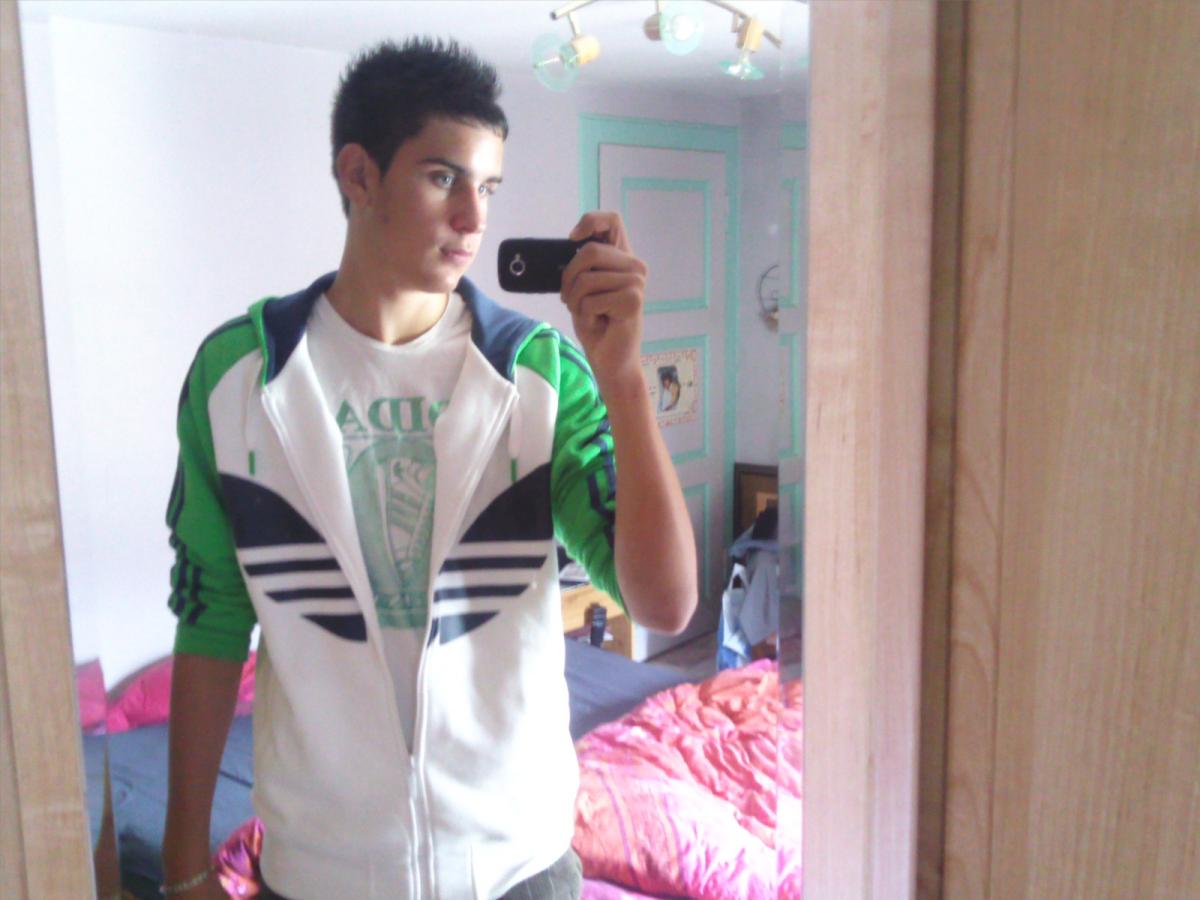
  7. Bonjours a tous, Je m'appelle Thibaut, j'ai 15 ans et j'habite en Alsace dans le Haut-rhin. J'aime bien sortir avec mes amies, faire du sport, écouté de la musique etc... Sa doit faire 1 ans que je frequente vos serveurs, particulièrement le jailbreak.
Configure browser push notifications

Chrome (Android)
  1. Tap the lock icon next to the address bar.
  2. Tap Permissions → Notifications.
  3. Adjust your preference.
Chrome (Desktop)
  1. Click the padlock icon in the address bar.
  2. Select Site settings.
  3. Find Notifications and adjust your preference.