Jump to content
View in the app

A better way to browse. Learn more.

Forum Supreme-Elite

A full-screen app on your home screen with push notifications, badges and more.

To install this app on iOS and iPadOS
  1. Tap the Share icon in Safari
  2. Scroll the menu and tap Add to Home Screen.
  3. Tap Add in the top-right corner.
To install this app on Android
  1. Tap the 3-dot menu (⋮) in the top-right corner of the browser.
  2. Tap Add to Home screen or Install app.
  3. Confirm by tapping Install.

edge

Utilisateur
  • Joined

  • Last visited

  1. http://www.spi0n.com/doublage-de-film-porno-allemand/ un métier qui ne connait pas la crise x)
  2. une nouvelle photo clem's?
  3. edge replied to a post in a topic in Soirées Supreme-Elite
    présent aussi
  4. dsl pour le bug :s
  5. un pas trop compliquer
  6. facile : fou d'irène avec jim carrey
  7. et ratchet et clank sur ps2
  8. mario party sur nintendo 64
  9. dans ce cas la 3 place sont libre donc si possibilité est je m'inscrit
  10. et alors rego les roux au pouvoir d'abord
  11. le pire c'est peut etre tristan sur la premiere photo liser bien
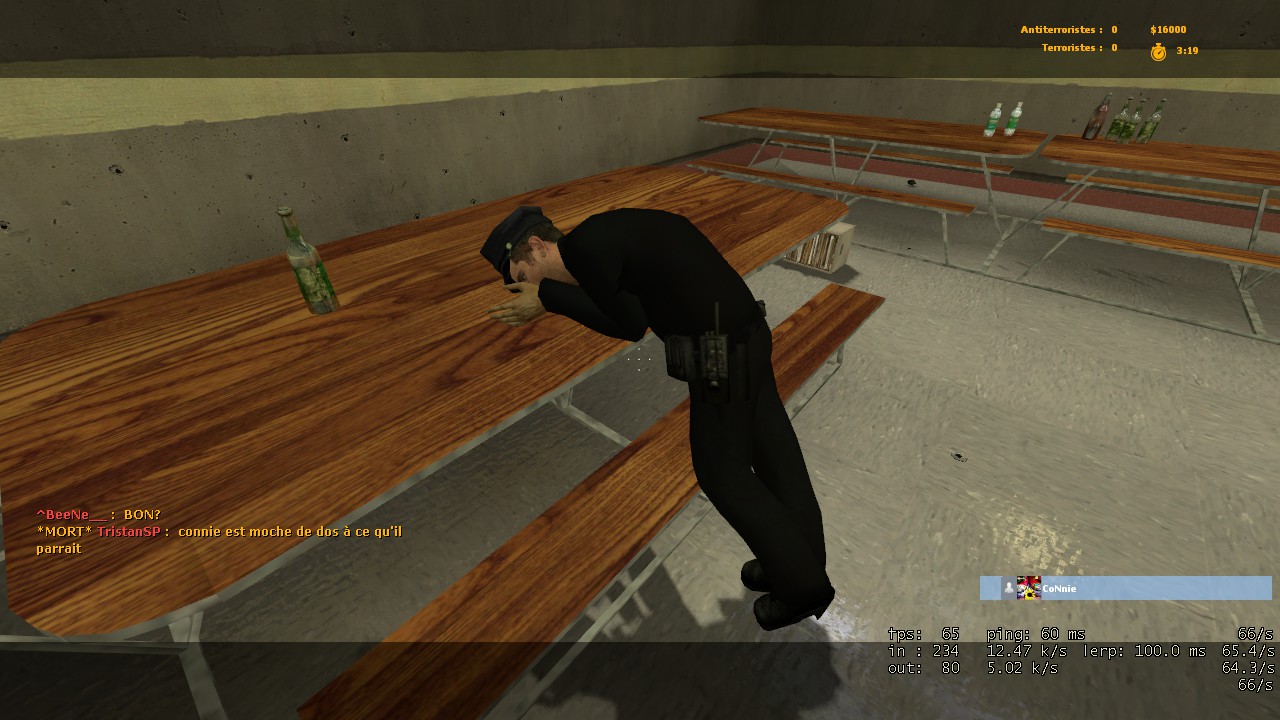
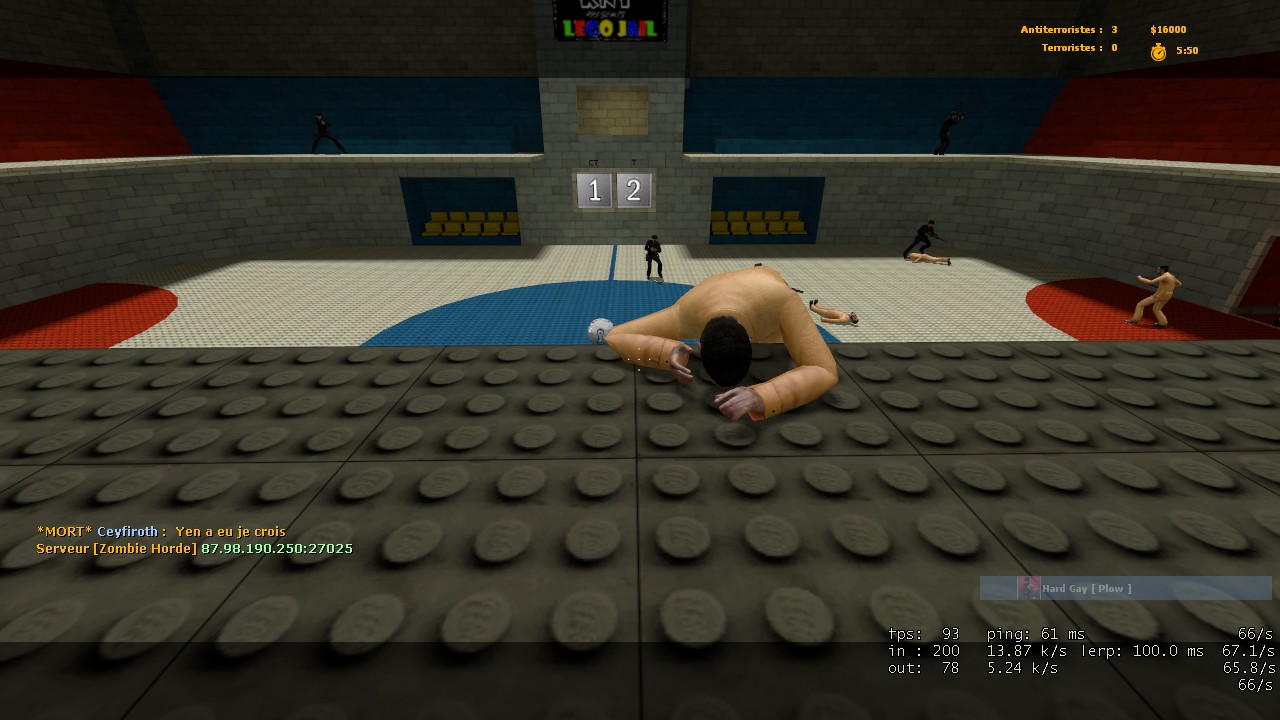
  12. les ct sont des alcooliques les terros tentes de s'enfuire par tous les moyens

  13. 3 pervers : 3 admin houla il sont bien choisit les SE ^^

Configure browser push notifications

Chrome (Android)
  1. Tap the lock icon next to the address bar.
  2. Tap Permissions → Notifications.
  3. Adjust your preference.
Chrome (Desktop)
  1. Click the padlock icon in the address bar.
  2. Select Site settings.
  3. Find Notifications and adjust your preference.